

SwingLoop Learn
Film a better golf swing video. Build a better feedback loop.
Choose the right recording workflow, check your devices, then set up a repeatable camera angle and review routine on iOS or Android.
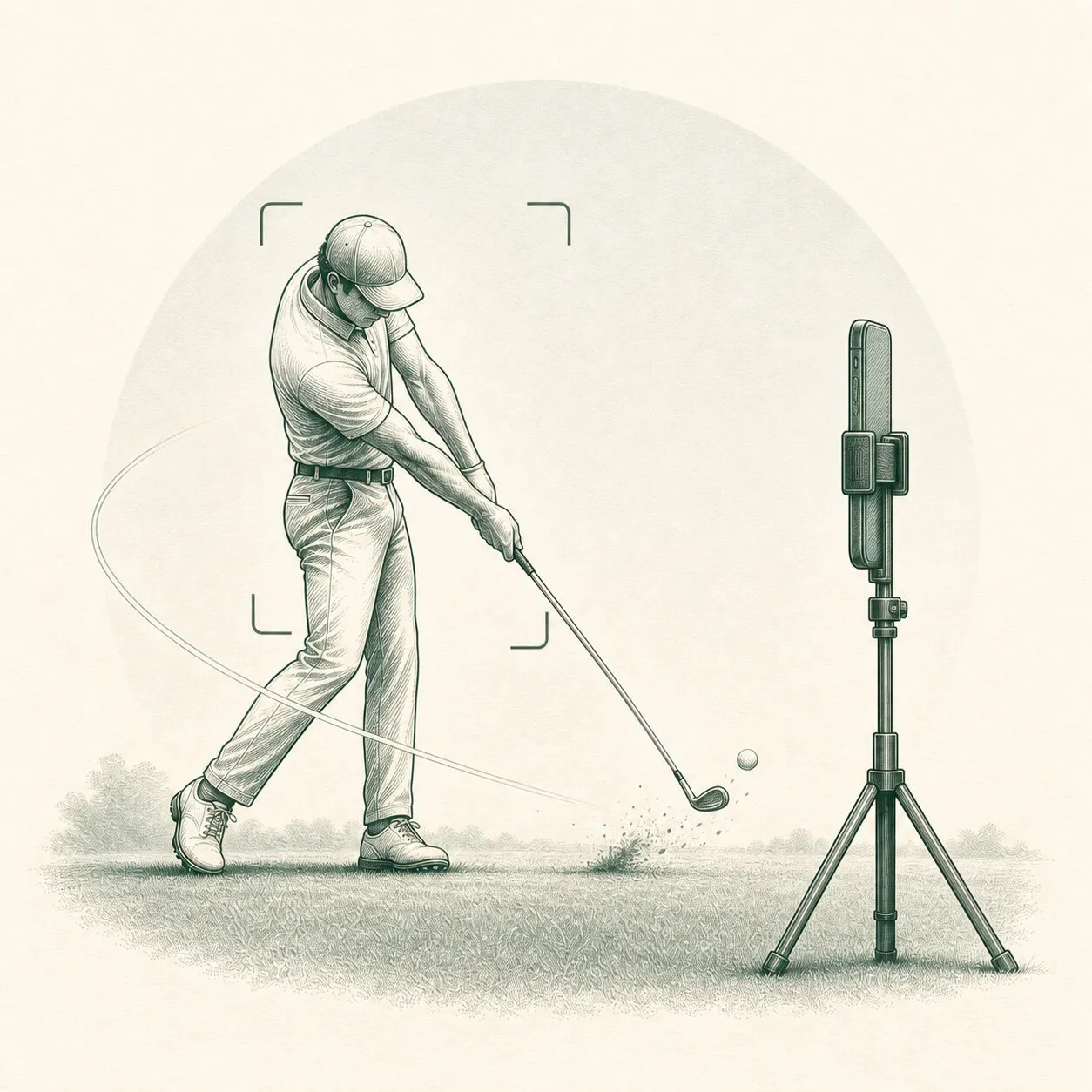
Golf swing video guides
Start with the setup.
Choose a repeatable camera angle, set up the mode that fits your devices, and keep the clips you want to review.
Flagship guide · Camera placement
How to Film Your Golf Swing: Camera Placement Guide
Learn the best camera height, distance, framing, and alignment for face-on and down-the-line golf swing video on an iPhone or iPad.
Setup guide · Two-device replay
How to Use Two iPhones for Golf Swing Replay
Set up two iPhones or iPads for automatic golf swing recording and second-screen slow-motion replay with SwingLoop at the range or at home.
Practice guide · Home hitting net
Golf Swing Replay for Home Net Practice
Set up golf swing replay at your home hitting net with one or two iOS devices. Choose camera placement, replay timing, and a repeatable practice routine.
Setup guide · Single-device replay
Record and Replay Your Golf Swing With One iPhone
Use one iPhone or iPad to record your golf swing automatically and replay it in slow motion. Set up the front camera, framing, speed, and delay.
Review guide · Saved swings
How to Compare Golf Swing Videos Side by Side
Compare saved golf swing videos on iPhone or iPad with SwingLoop. Match camera angles, choose video sections, and draw on paused frames.
Setup guide · Apple Watch
Save Golf Swing Videos With Apple Watch
Set up SwingLoop on Apple Watch to save your latest golf swing to your paired iPhone. Learn compatible practice modes and fix common saving problems.
Setup guide · Android replay
Record and Replay Your Golf Swing on Android
Set up Swing Replay on one Android device or pair two for a separate replay screen. Check Android requirements, permissions and subscription access.
Before you choose
Match the tool to your practice.
Compare manual recording, automatic replay and technique feedback, then check the features that matter for your setup.
Comparison · Manual recording or automatic replay
SwingLoop vs Your Phone Camera for Golf Practice
Compare manual phone recording with automatic golf swing replay. See the differences in setup, review, cost and when a camera app is enough.
Comparison · Three kinds of feedback
Golf Swing Replay vs AI Analysis: What You Get
Understand automatic golf swing replay, AI technique analysis and launch monitors. Choose the feedback that fits your next practice session.
Buying guide · A practical checklist
How to Choose a Golf Swing Replay App
Compare golf swing replay apps by device support, automatic recording, second-screen playback, subscriptions and privacy before you choose.